Platforms · Side by Side
Prepar3D vs X-Plane
The Eclipse runs on both leading professional flight simulation platforms. Compare them side by side to find the right fit for your program.
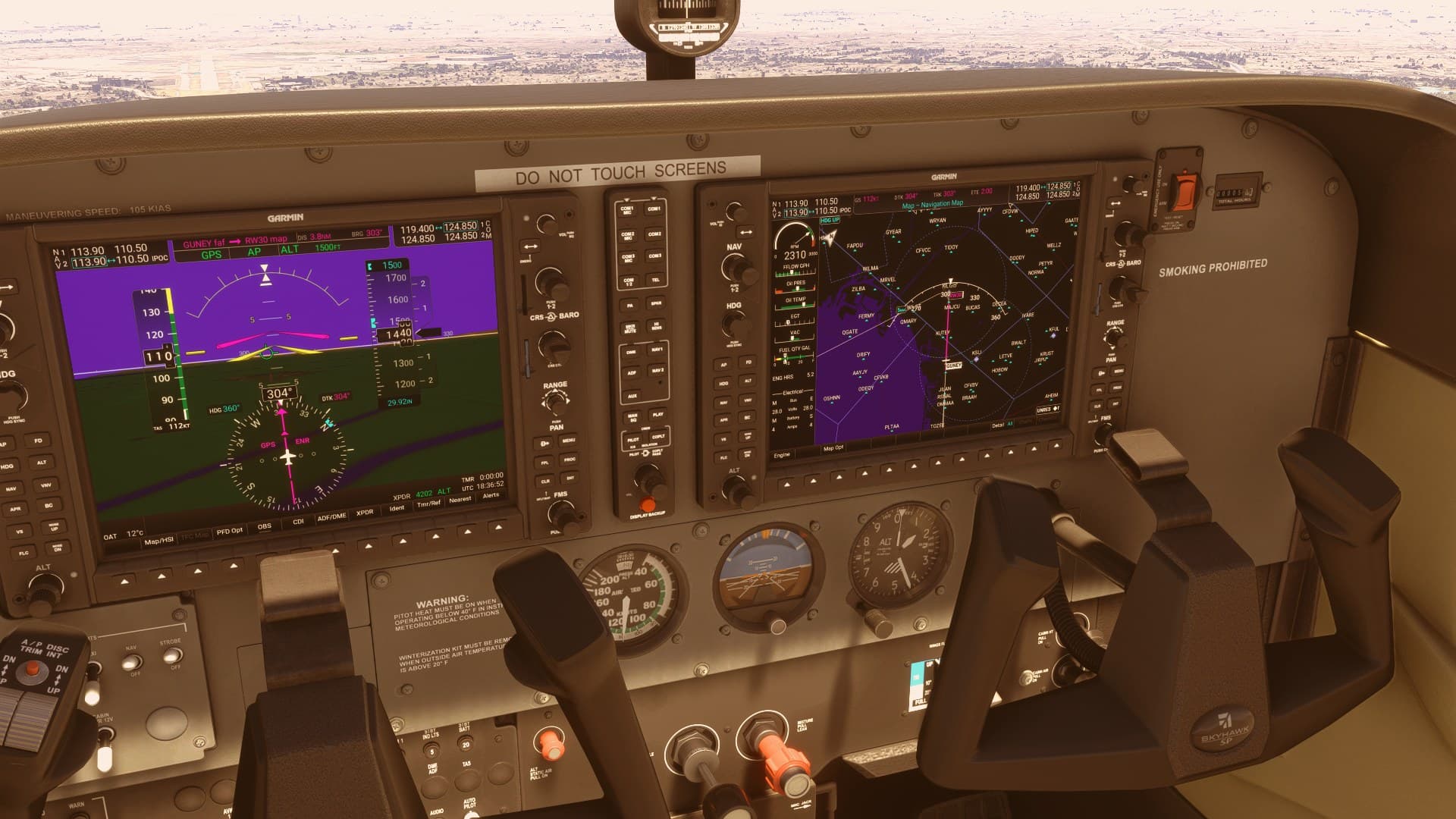
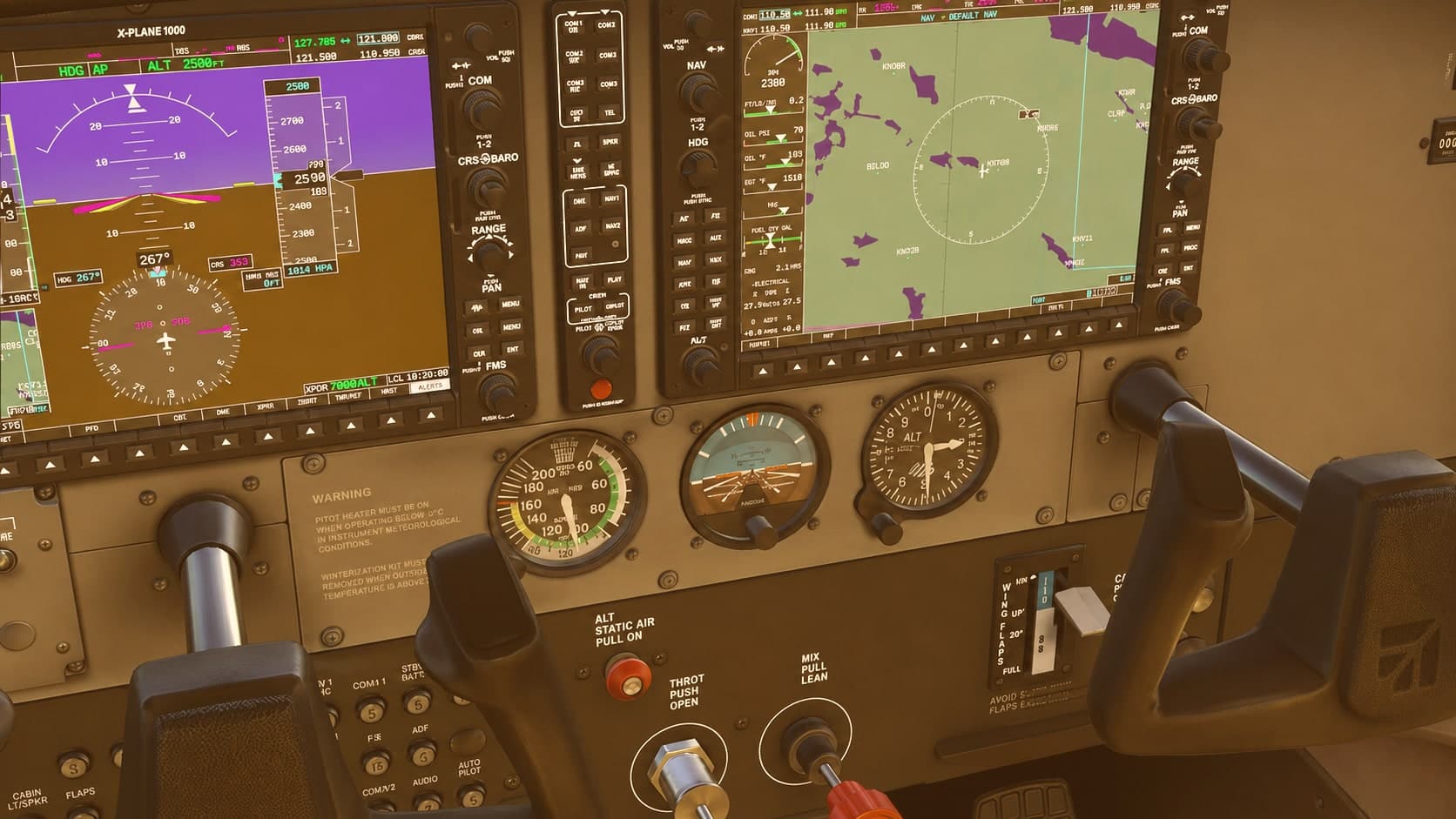
Side by Side
How the Platforms Compare
| Category | Prepar3D | X-Plane |
|---|---|---|
| Version | Prepar3DPrepar3D v6 | X-PlaneX-Plane 12 |
| Flight model | Prepar3DTable-based dynamics with full systems and failure modeling | X-PlaneBlade element theory calculated on every surface in real time |
| Weather | Prepar3DDynamic atmospheric modeling, turbulence, and visibility | X-PlaneLive real-world weather downloaded for any location |
| Scenery | Prepar3DHigh-resolution global terrain and airport data | X-PlaneCommunity Scenery Gateway with thousands of modeled airports |
| Extensibility | Prepar3DDeveloper SDK for aircraft, scenery, and training scenarios | X-PlanePlugin architecture for avionics, systems, and integrations |
| Category | Prepar3D | X-Plane |
|---|---|---|
| Resolution | Prepar3DUp to 8K per display | X-PlaneUp to 8K per display |
| Frame rate | Prepar3D90+ FPS native | X-Plane120+ FPS capable |
| Input latency | Prepar3D< 4ms | X-Plane< 2ms |
| Field of view | Prepar3DUp to 220 degrees | X-PlaneUp to 300 degrees |
Choosing a Platform
Which Is Right for You
Not sure yet? Our team can help you match a platform to your aircraft, curriculum, and training goals.
Choose Prepar3D
- Structured, scenario-based training programs
- Custom training content built on a developer SDK
- Programs aligned with military and commercial standards
Choose X-Plane
- Training where aerodynamic accuracy matters most
- Real-world weather and wide field-of-view setups
- Custom avionics and third-party plugin integrations
Continue Exploring
Where to Next
- 01Prepar3DLockheed Martin's professional training platform.
- 02X-PlaneBlade-element flight modeling for true-to-life aerodynamics.
- 03Sim ComparisonSee how the Eclipse stacks up against traditional devices.
See the Eclipse in Action
Request a demonstration from our team.